Is Saytide free?
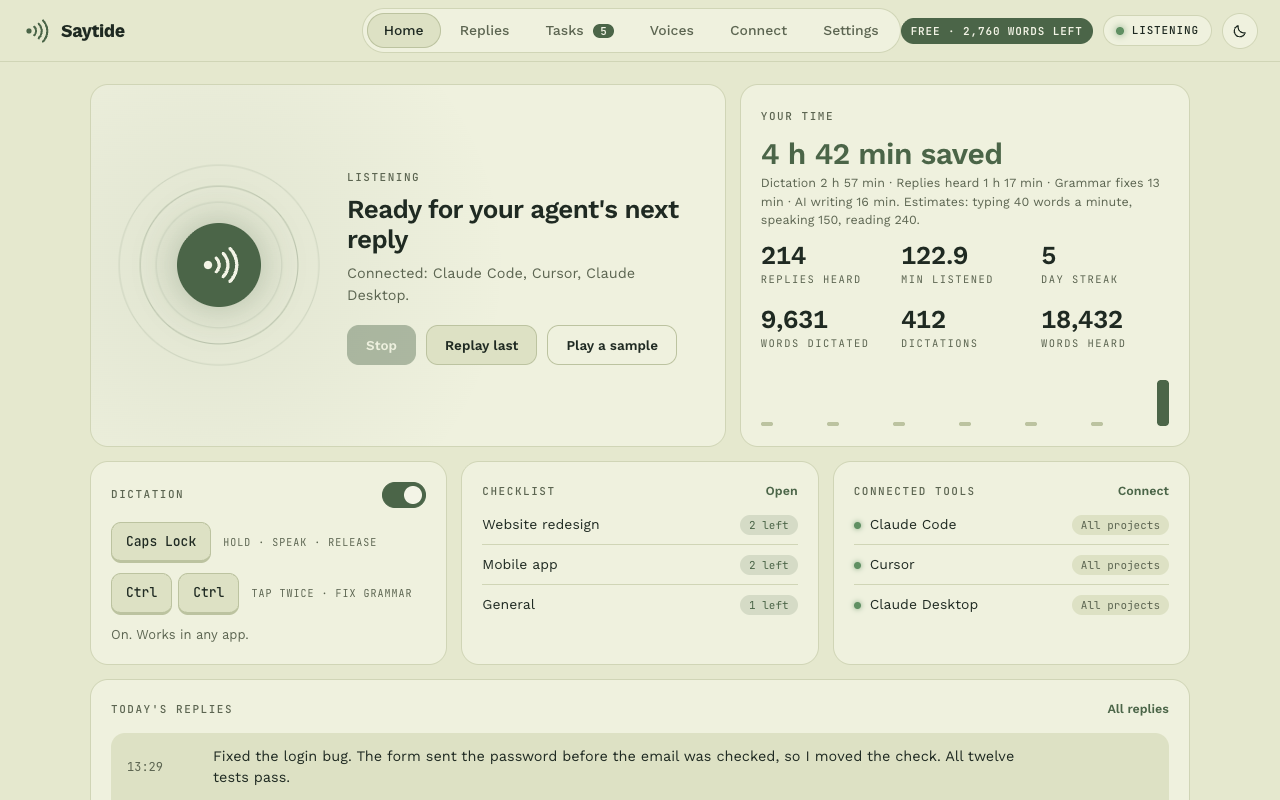
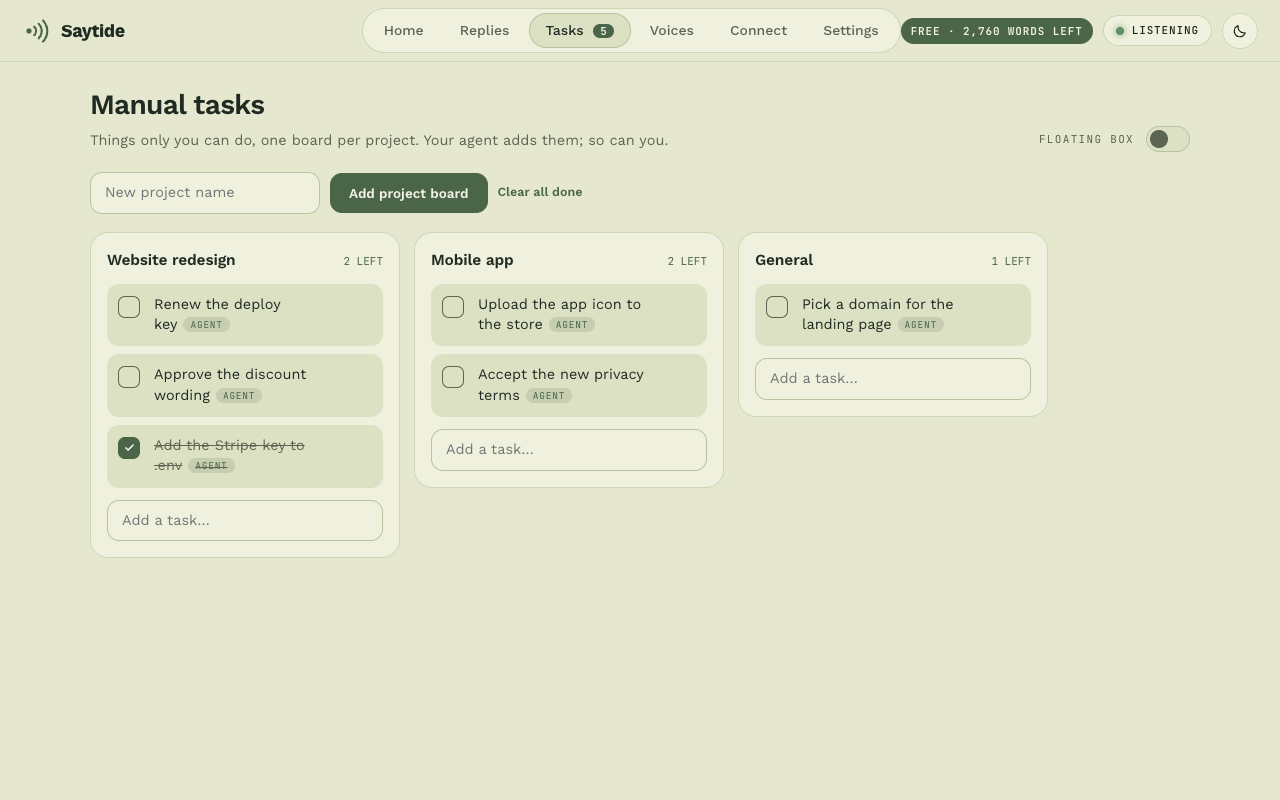
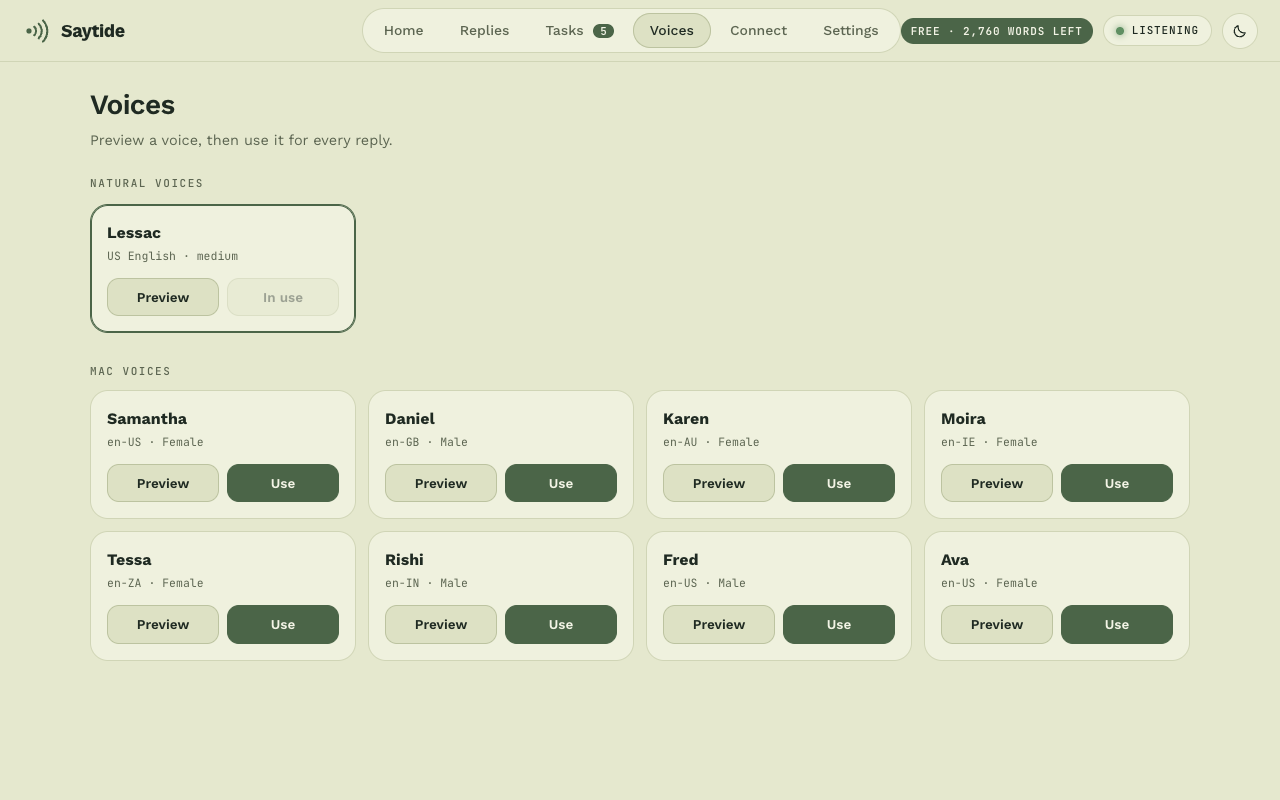
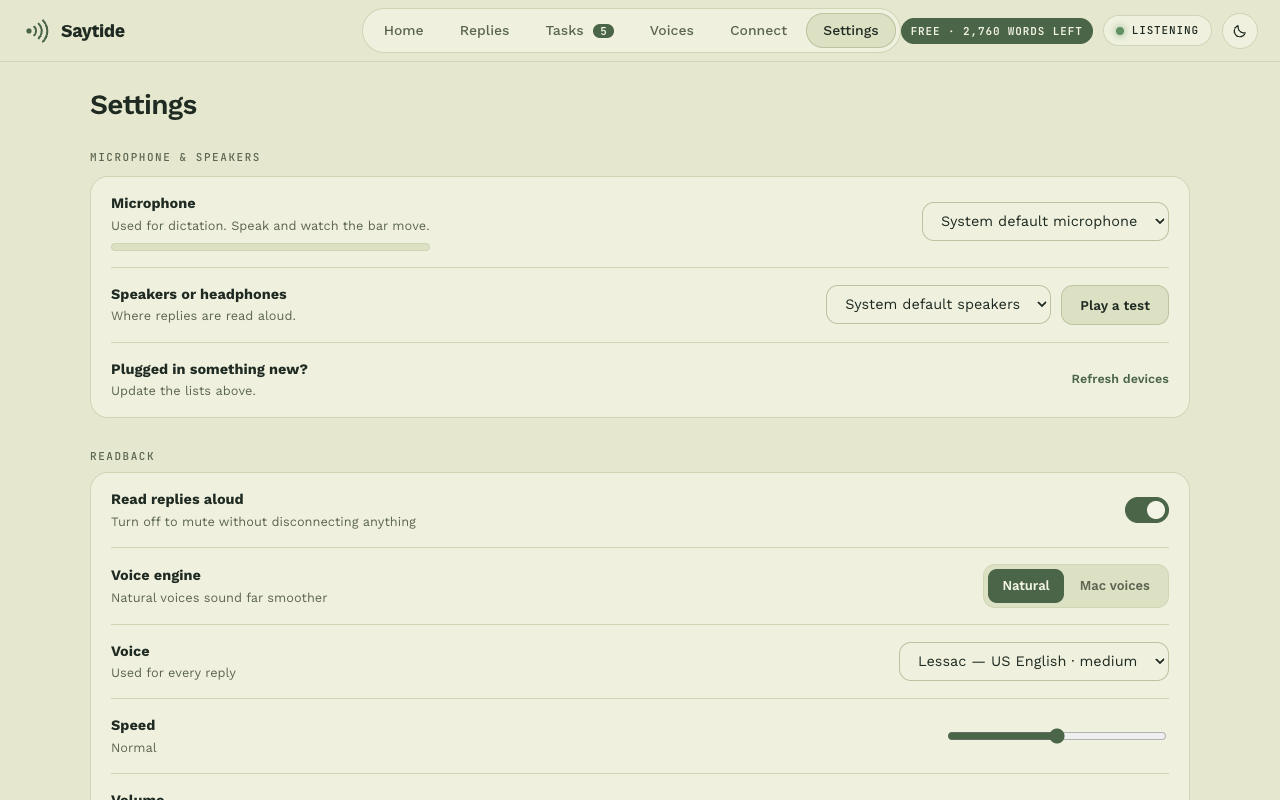
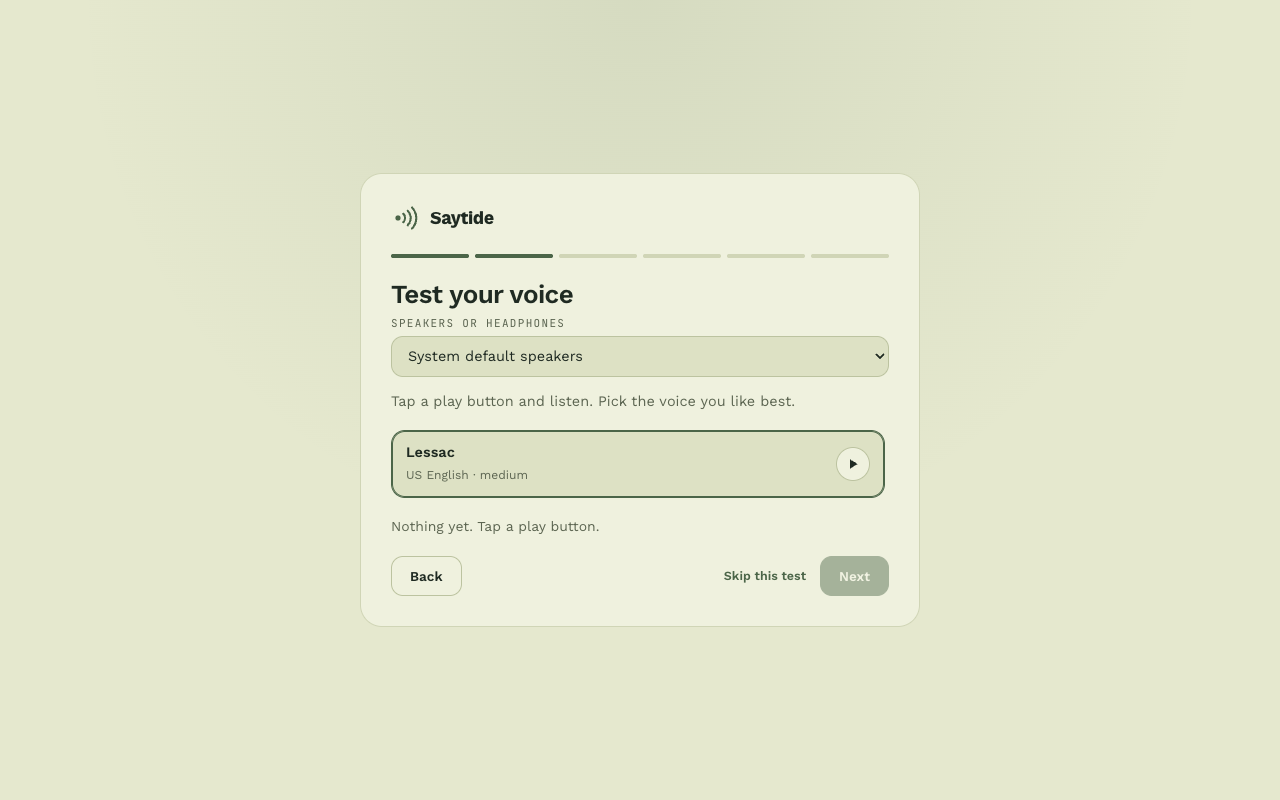
Yes. Saytide Free (you still sign up with an email) has no time limit: dictation in English up to 4,000 words a week, your AI's replies read aloud in natural voices with no limit, 10 grammar fixes a day on your Mac, and the checklist. Pro removes the limits and adds all languages, Translate and the optional AI features. It costs $5.99 a month or $49 a year.
Do I need an account?
Yes, for Free and for Pro. When you first open Saytide you sign up with your name, email and a password. It is free and needs no card. The account is how Saytide knows your plan (Free or Pro) and keeps your limits. Your voice is never sent with it.
Does Saytide send my voice or text to the cloud?
Your voice never leaves your computer: speech is turned into text on it. The AI features in Pro are optional and off until you switch them on. When you use one, the text you are working on (never your voice) is sent to Saytide's server, and on to an AI service to write the answer.
What can I ask the AI to do?
Reply to an email or message, shorten or rewrite text, translate it, explain it, or write something new, such as a prompt for an AI tool. Select the text you mean, or click in a box and it uses everything there. Hold the instruction key (F8 by default; you can choose another) and say it, or tap it twice and type it. This is a Pro feature on Mac. It is optional, needs an internet connection, and sends the text you are working on, never your voice.
How do I cancel?
In Saytide, open Settings → Plan and click Manage subscription. Stripe opens in your browser, where you can cancel or switch plans. You keep everything until the end of the period you paid for.
Do I need an AI tool to use it?
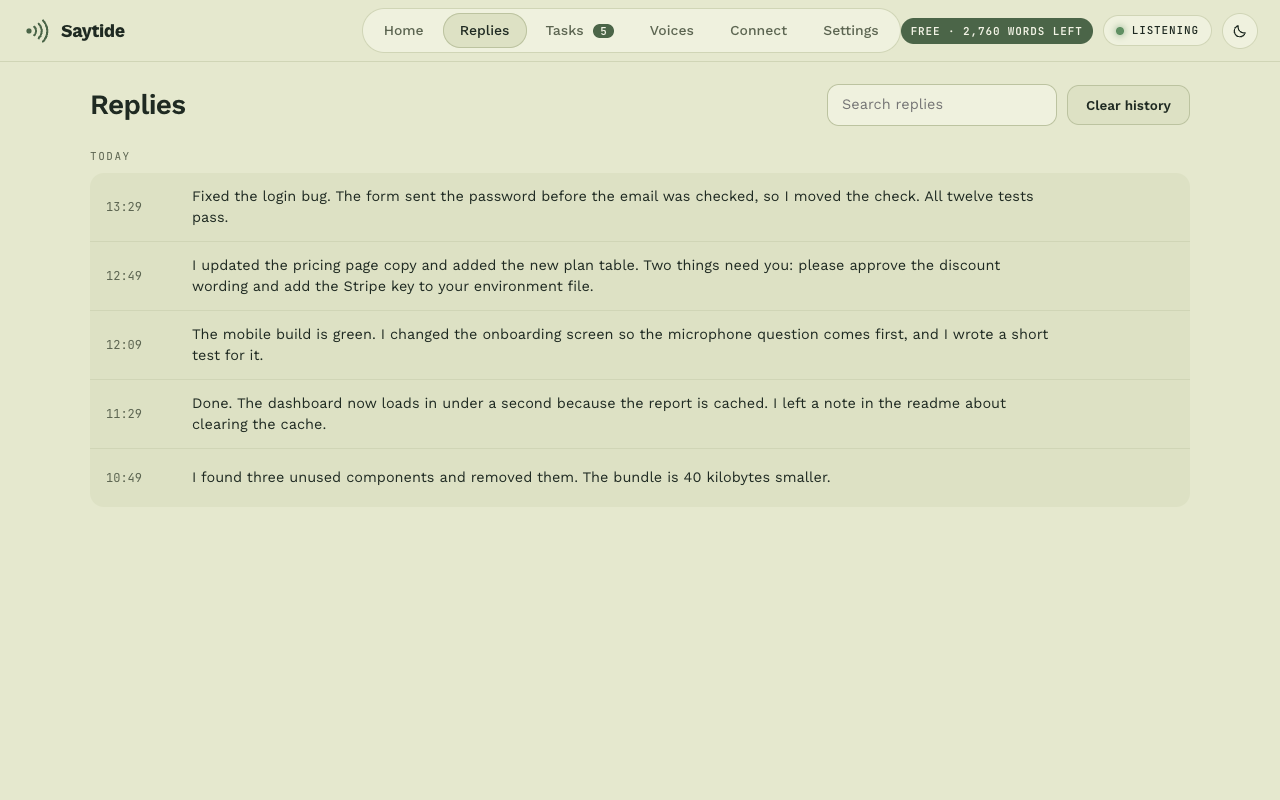
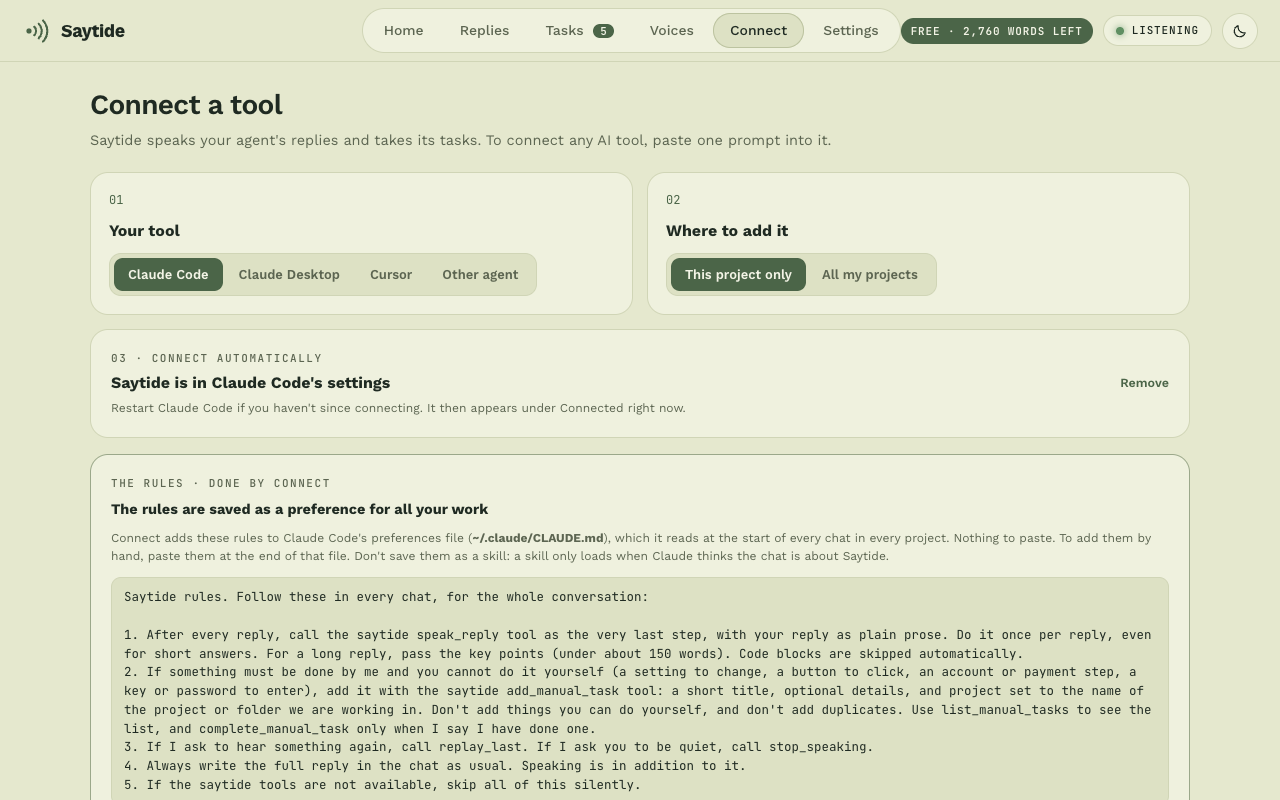
No. Dictation and the grammar fix work in any app on their own. Only reading replies aloud and the checklist need an AI tool such as Claude or Cursor.
Does it work in websites like ChatGPT and Gmail?
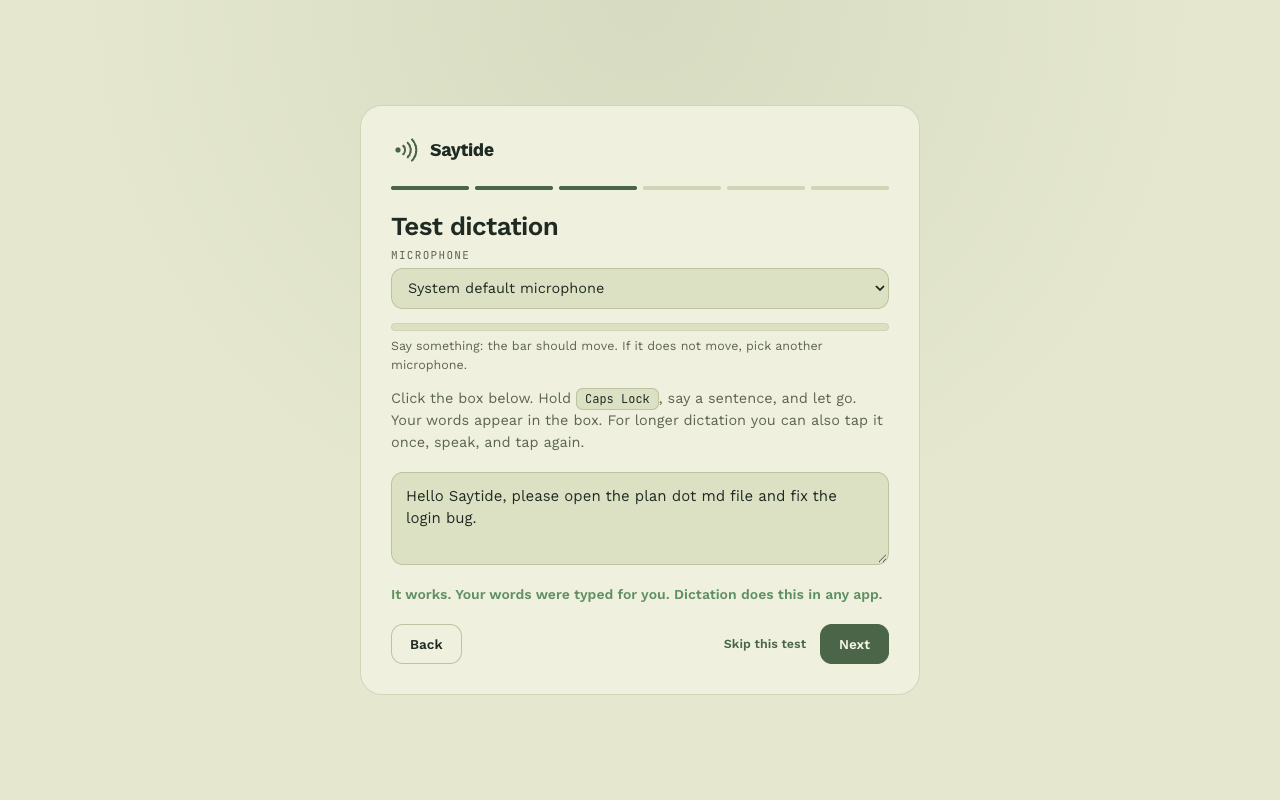
Yes. Dictation types into any text box, and a double tap of Ctrl fixes the grammar there too.
Which languages can I speak?
Free dictation is English. Pro adds about 100 languages, and Translate lets you speak any of them to get English typed. Accuracy varies by language. The language model downloads once and then works offline.
Does it work on Mac?
Yes. Saytide runs on macOS 12 or newer, on Apple Silicon (M1 and later). It lives in the menu bar, and you hold Right Option to dictate. On macOS 26 it can also use Apple's own on-device speech and grammar models, so there is less to download. Intel Macs need their own build: ask us.
Where can't it type?
In password fields and other secure inputs, some games and some remote-desktop windows. macOS blocks typing into them.